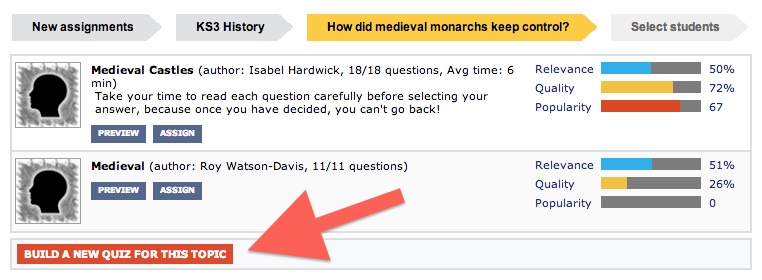
There is now a much, much simpler way to author quizzes.
- In the Resources page, drill down to Subject -> Syllabus -> View quizzes for this Topic (Action menu)
- Click “Build a new quiz for this topic”
- Name the quiz
- Search for questions, or write your own.
- Set the key quiz parameters.
- Save. You’re done.
You can find your new quiz in your My Quizzes list (More tab), or listed under the Topic.
Limitation: this only works with syllabi for which we have a Topic List. If the syllabus you need is missing, write to me.
Update 17/10/13: to see the button, you must be logged in, and have Author privileges.
 Chalkface Blog
Leave a comment