Chalkface Blog
The best teaching materials in the most practical format.
Category: Tutorials
-
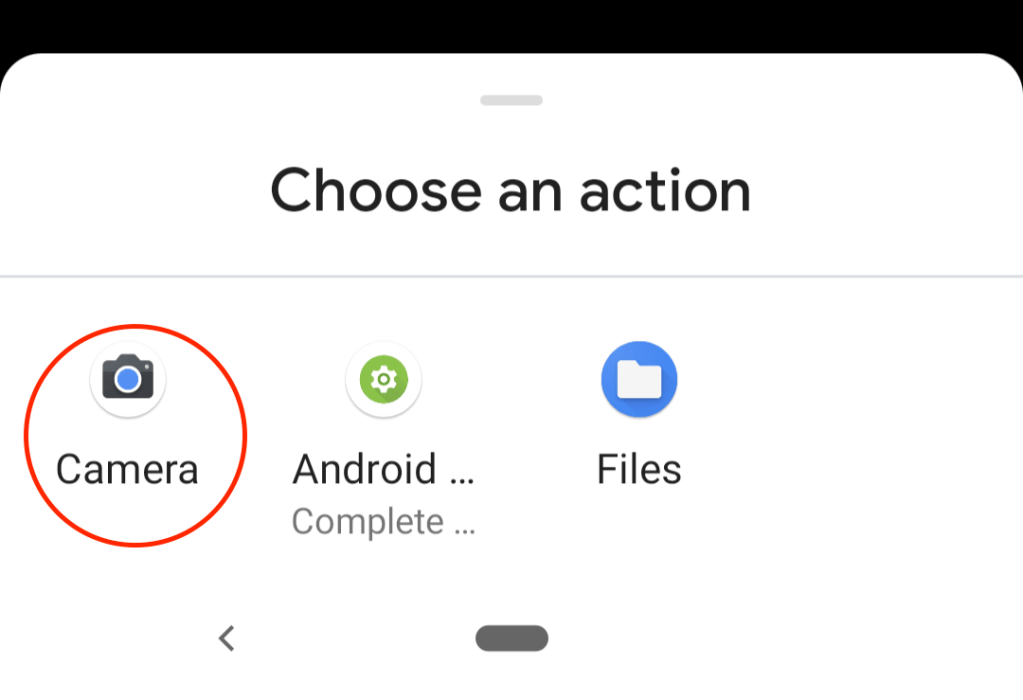
Suppose you want your students to complete a worksheet, and return their completed sheets to you for marking. Just a simple worksheet. How hard can that be? Well if you do it all by email, the answer is ‘quite hard’. Checking you’ve got them all, downloading (and printing?) each one separately – ugh! Would you…
-
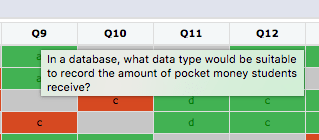
If you want a per-student, per-question, per-attempt view of your results, come to Assignments tab -> Results -> Results in Detail You will see you have the traditional traffic-light colour-coding for correct, partial and incorrect answers. Grey cells are questions that were not presented. The Yacapaca model is that each quiz is a randomised selection…
-
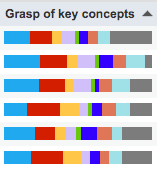
As a teacher, you need to know things that raw scores won’t tell you. For example: Which of your students really grasp the learning opportunity of formative assessment? Which of your students are hopelessly optimistic (or pessimistic) about their chances in an exam? Which concepts have they grasped, and in which do they need reinforcement?…
-
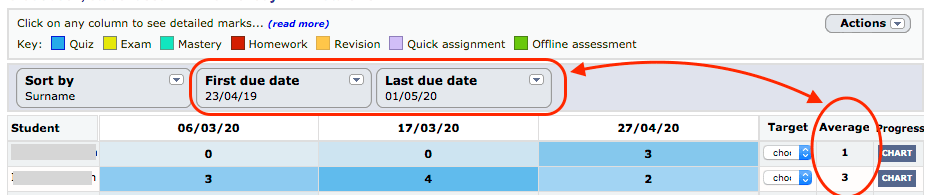
You already know what a gradebook/markbook is. Every teacher grew up with them. The difference with the Yacapaca Gradebook is how much of the work it does for you. In this tutorial I am going to take you through 6 massive time-savers that you quite possibly did not know about. Access the Gradebook for any…
-

Go to your Assignments List and you will see a colour-coding key across the top. Here is what they each mean. Do follow the embedded links if you have time; I have written extensively on each of these in the past, so this is
 Chalkface Blog